
Introduction
What the Enterprise API does, how to authenticate, and where to go first.
Connectivity for your people, from your own systems
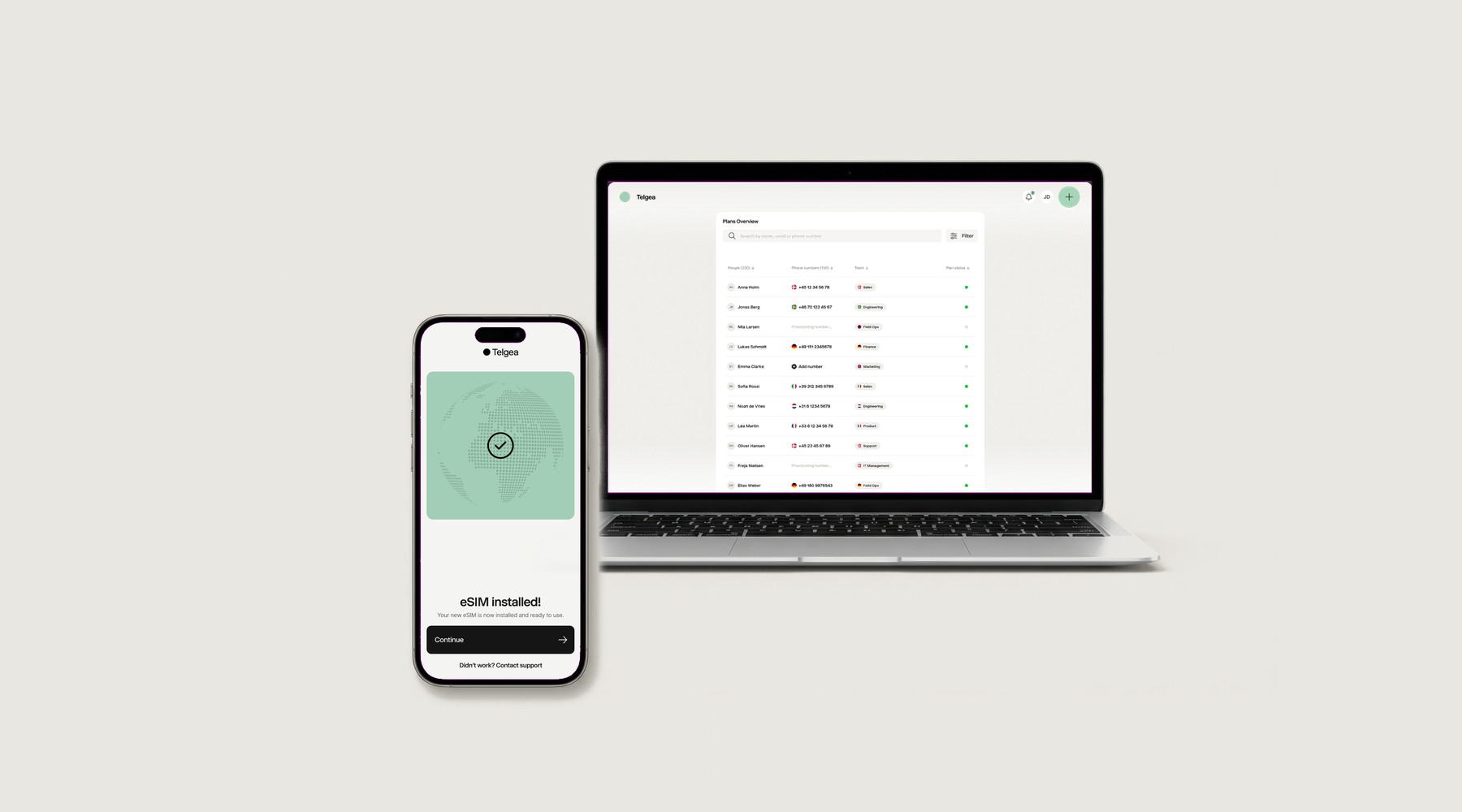
- Users
- Teams
- Plans & eSIMs
- Port-ins
- Usage & analytics
- Webhooks
The Telgea API lets your software run mobile connectivity for the people in your organisation: create users, provision plans and eSIMs, port numbers in from other carriers, and hear about every change through webhooks.
Requests are authenticated with your organisation's API key; see Authentication for where it lives and how to send it.
Make your first call in the playground
The playground lists every operation with a working example request. Paste your API key, pick List users and send it: it is a read, so it changes nothing.
There is no sandbox
Calls from the playground run against your own live organization, with your own key. Creating a user creates a real user, and provisioning creates a real line.
Base URL
All requests go to https://api.telgea.com; every operation is under /v1.
Start here
Try it in the playground
Send a real request from the browser with your own key, before writing any code.
Provision a line
Create a user, obtain a line and its eSIM, and deliver the activation code.
Port a number in
Discover the fields each country needs, validate, submit and track the port.
Receive webhooks
Subscribe to plan, SIM and port-in events instead of polling.
API reference
Every resource and operation, with the permission each one needs.
Resources at a glance
| Resource | Purpose |
|---|---|
| Users | The people who hold a line |
| Teams | Groupings for billing, access and reporting (Enterprise API only) |
| Numbers (Partner API) / User plans (Enterprise API) | Lines and eSIMs: obtain one, replace a SIM, stop and restore service, and end a line |
| Port-ins | Numbers arriving from other carriers |
| Usage | Raw call, SMS and data records to bill on |
| Analytics | Consumption aggregated per interval |
| Data pools | The shared data your numbers draw on |